Table of Contents
How It Works #
Step 1 — Install the Plugin
Upload and activate Plugin - Elvar Smooth Scroll on your WordPress Repositary.
Step 2 — Configure Your Settings
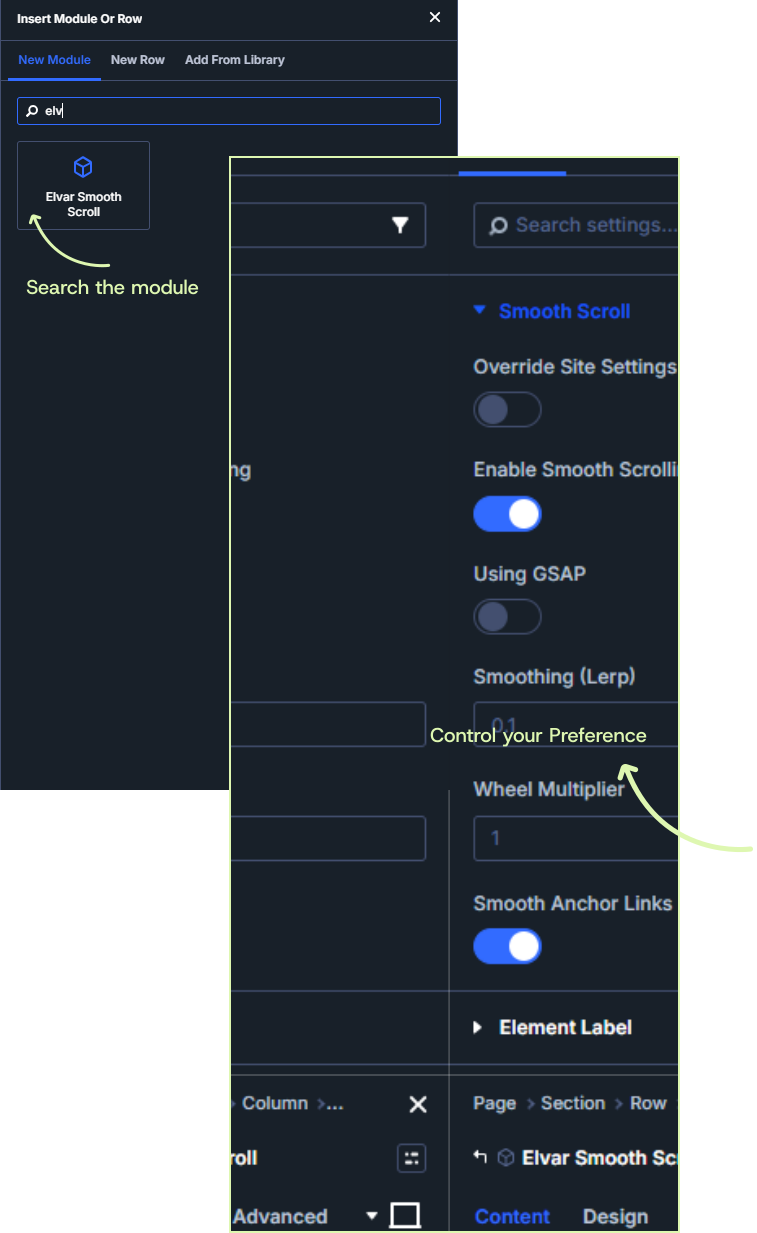
Open the available Divi 5 settings and configure your preferred scrolling behavior and global defaults.
Step 3 — Connect GSAP When Needed
Enable the optional GSAP ticker integration for projects that require coordination with GSAP and ScrollTrigger.
Step 4 — Enjoy the Flow
Give visitors a smoother, more consistent way to navigate your website.
Module Interface #